C-D-theory
📅 Experiment – 11 February
Docker Volume Creation and Management
🎯 Objective
To understand how to create Docker volumes and attach them to containers for persistent data storage.
📖 Reference
🔗 https://share.google/bzt1ikUCPlon8cJvd
🛠️ Task Description
In this experiment, we created Docker volumes and tested their attachment with containers.
We also observed the effect of running containers without attaching volumes.
📸 Output Screenshots
Screenshot 1: Creating a Docker Volume
Shows the command used to create a new Docker volume.
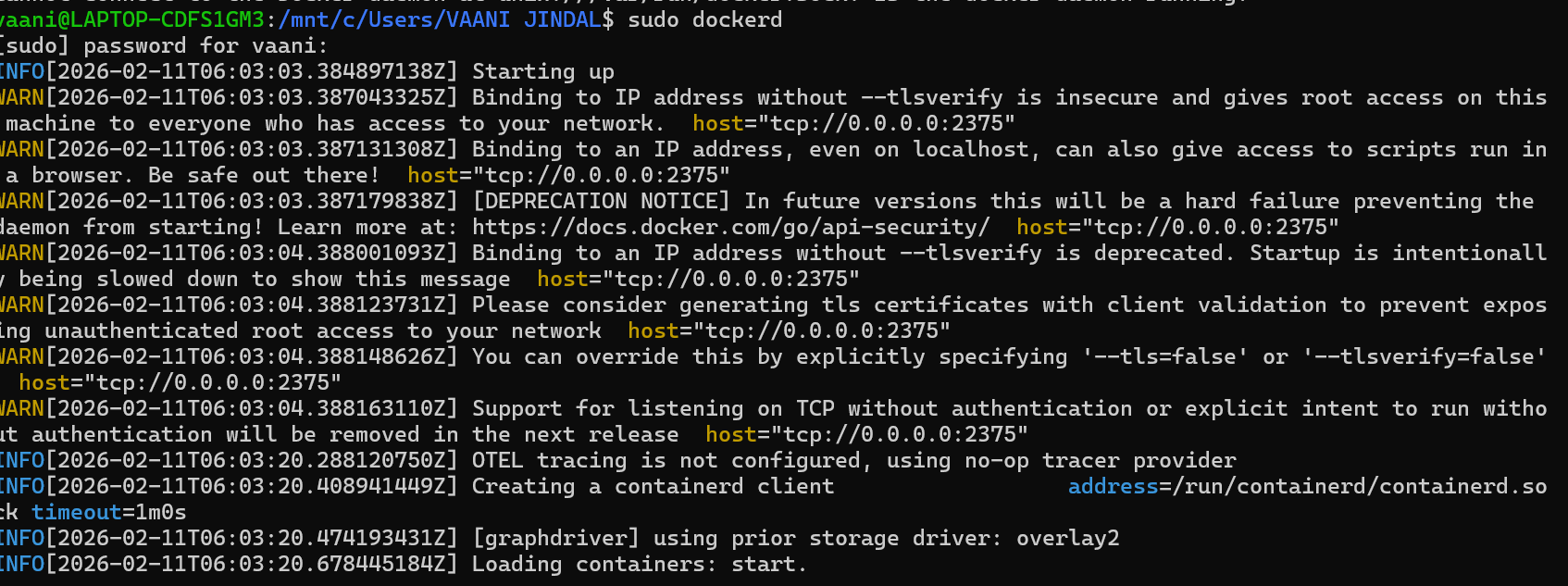
Screenshot 2: Listing Available Volumes
Displays all Docker volumes present in the system.

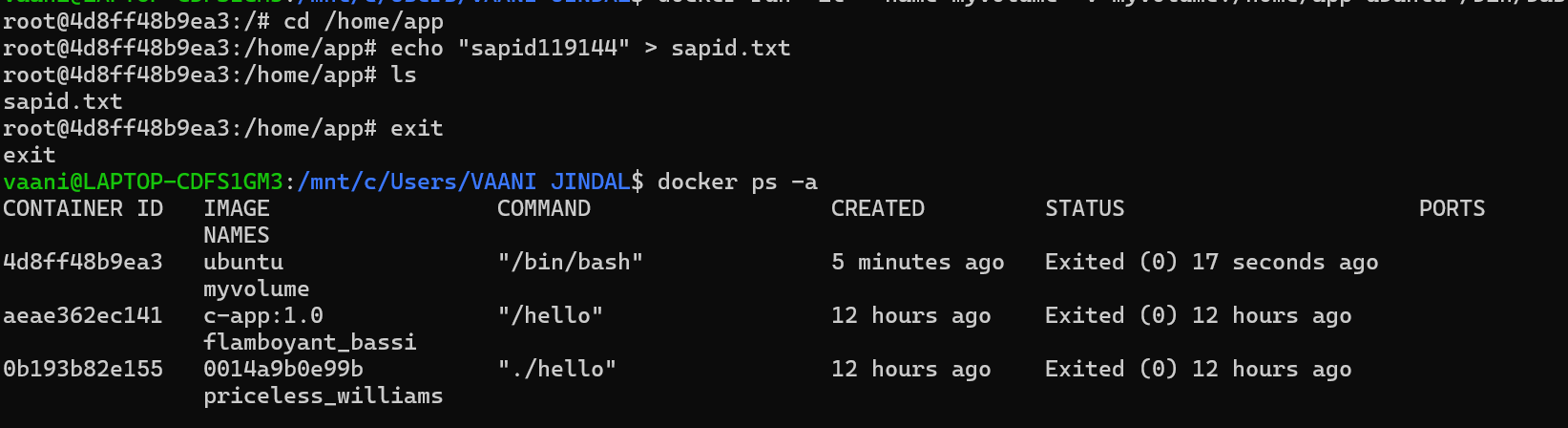
Screenshot 3: Running Container Without Volume
Shows container execution without attaching any volume.

Screenshot 4: Inspecting Container Details
Displays container configuration and volume status.
Screenshot 5: Creating Another Volume
Shows creation of a new Docker volume.
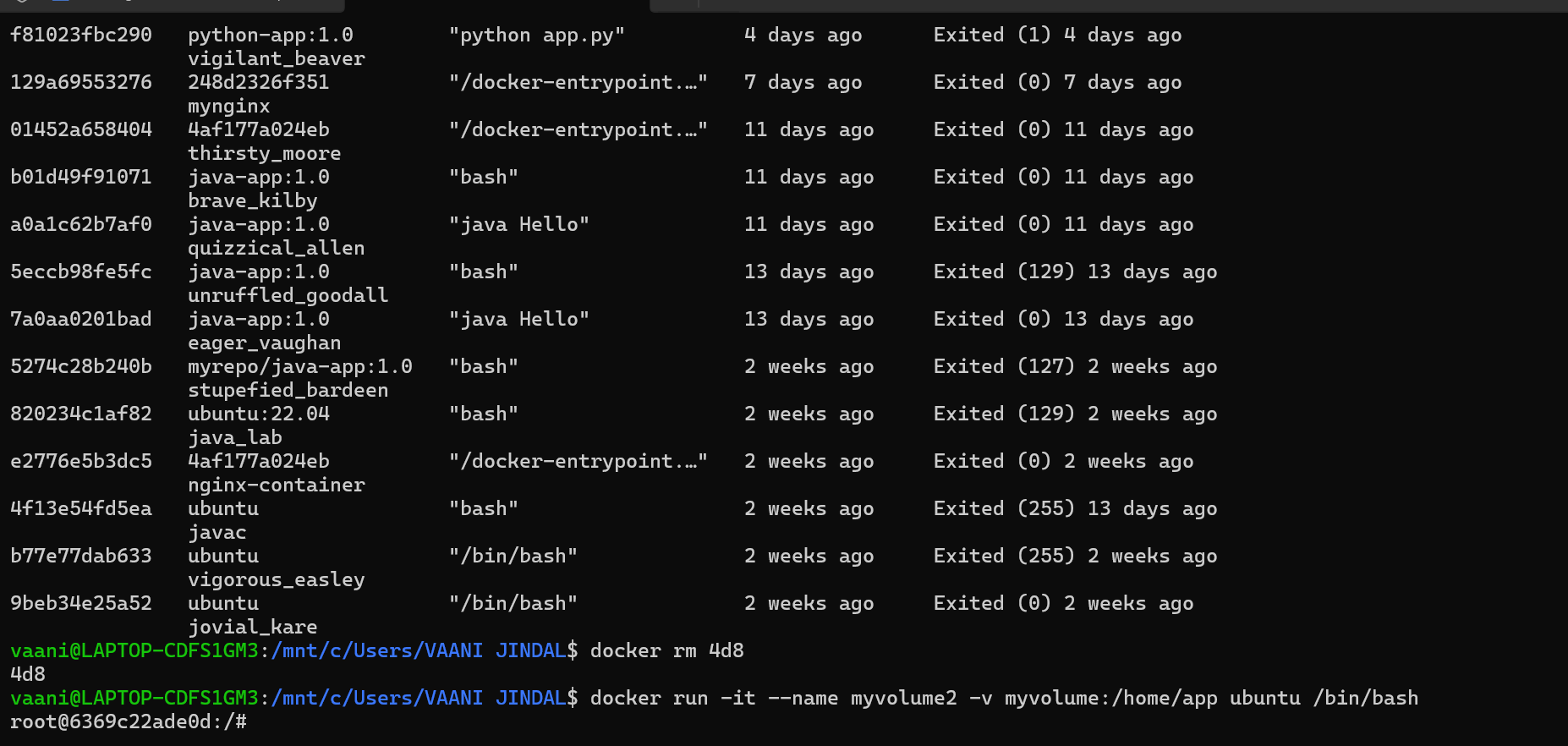
Screenshot 6: Verifying Volume Status
Displays confirmation of created volumes.

Screenshot 7: Running Container with Volume
Shows container started with volume attached.

Screenshot 8: Data Persistence Check
Demonstrates that data is preserved using Docker volumes.
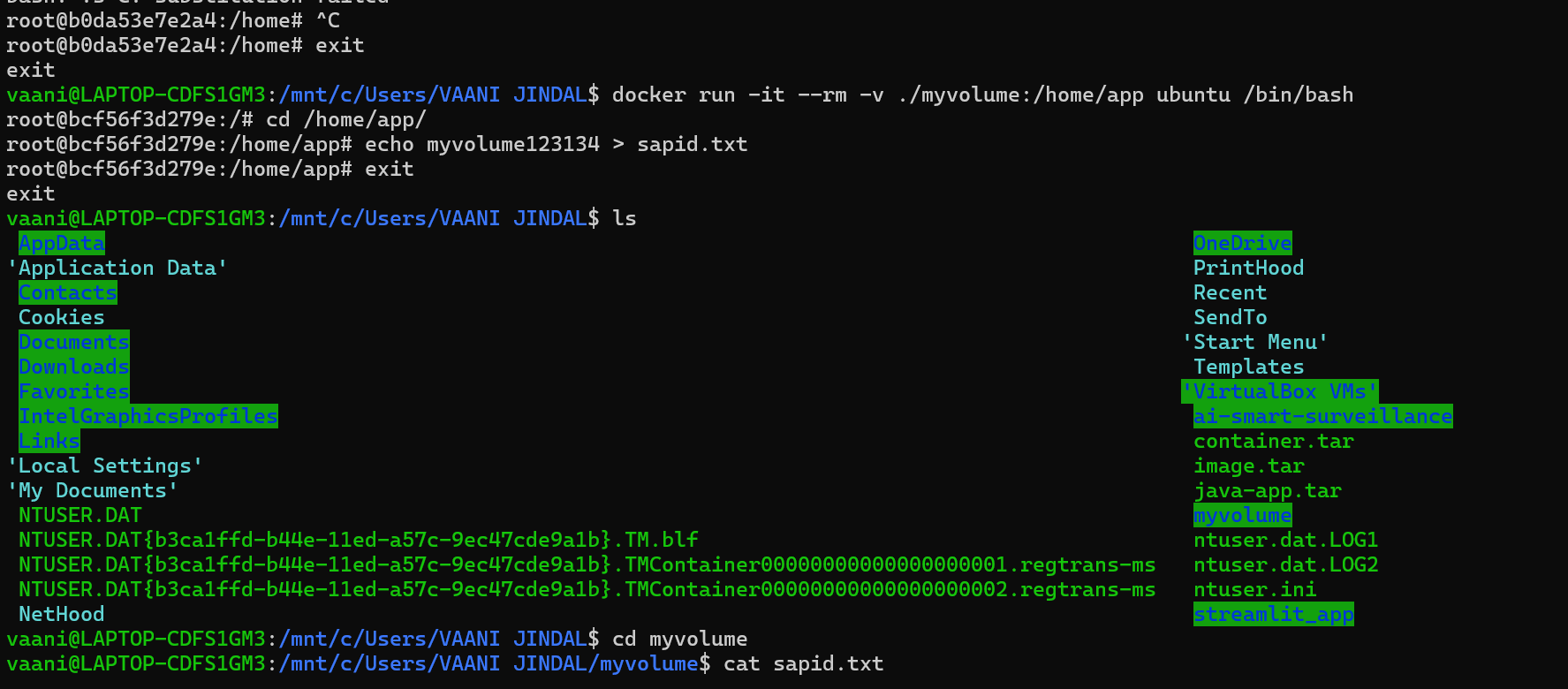
Screenshot 9: Final Output Verification
Shows the final verification of volume and container working correctly.

✅ Result
- Docker volumes were successfully created.
- Containers were tested with and without volumes.
- Data persistence was observed when volumes were attached.
- It was found that containers without volumes do not retain data.
📌 Conclusion
This experiment helped in understanding how Docker volumes work and how they help in storing data permanently.
Volumes are essential when applications require data persistence.