C-D-theory
🗓️ Class Task — 19 March: Kubernetes (Pods & Deployments)
Overview
In this class, we explored Kubernetes operations including viewing clusters, creating and managing pods, checking logs, and deploying scalable applications.
PART 1: View Clusters
Step 1: View Available Clusters
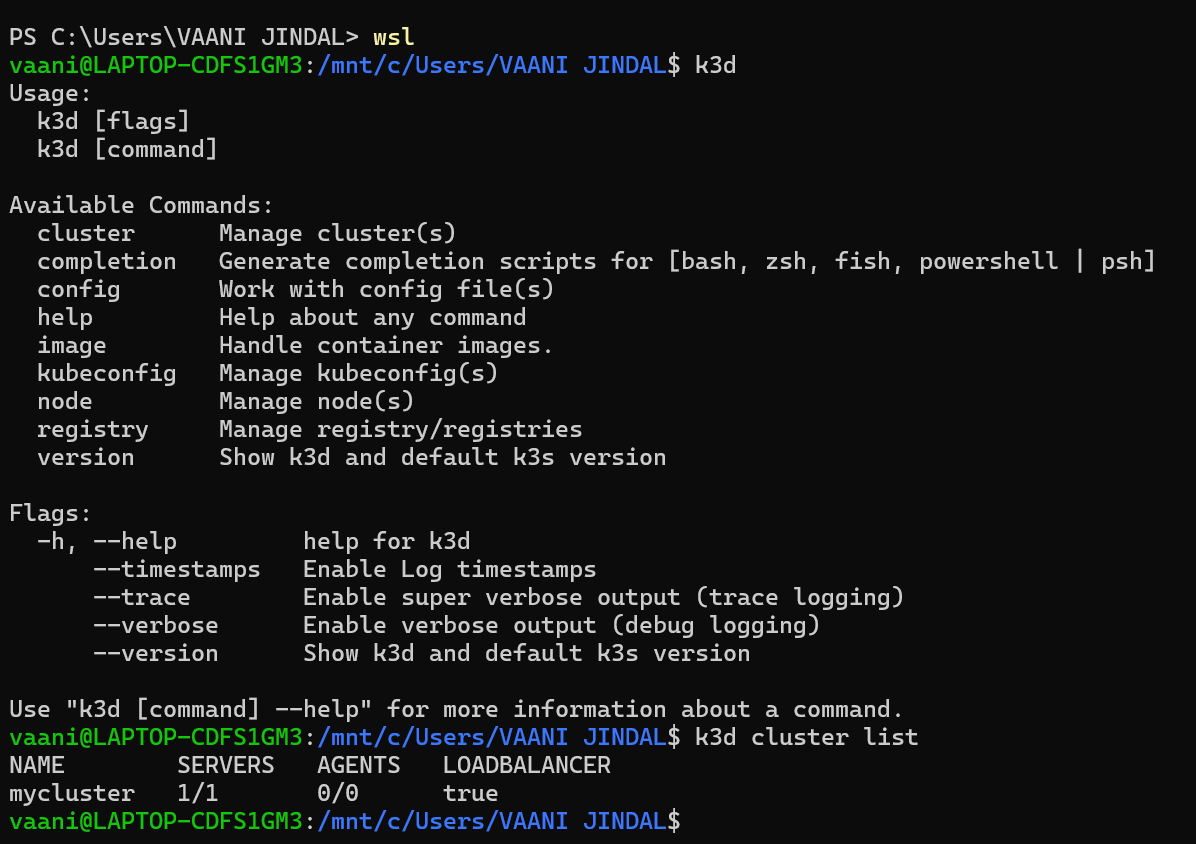
This screenshot shows how to check available Kubernetes clusters using kubectl.
PART 2: Working with Pods
Step 1: View Running Pods
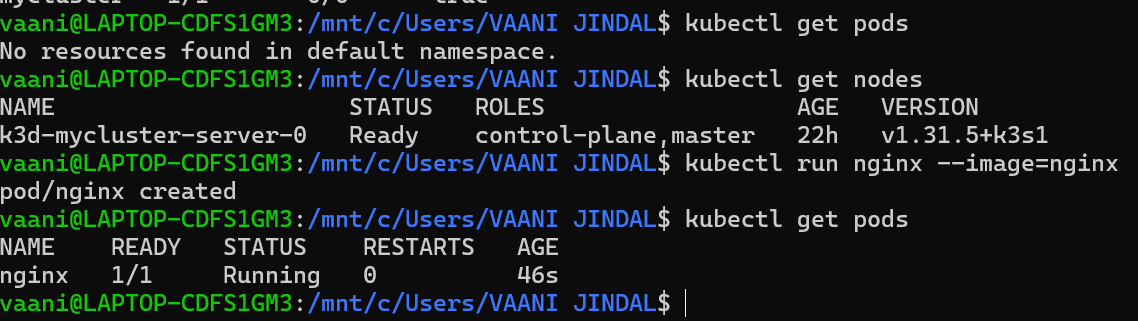
This shows the command to list all running pods in the cluster.
Step 2: Create Pod (Nginx)
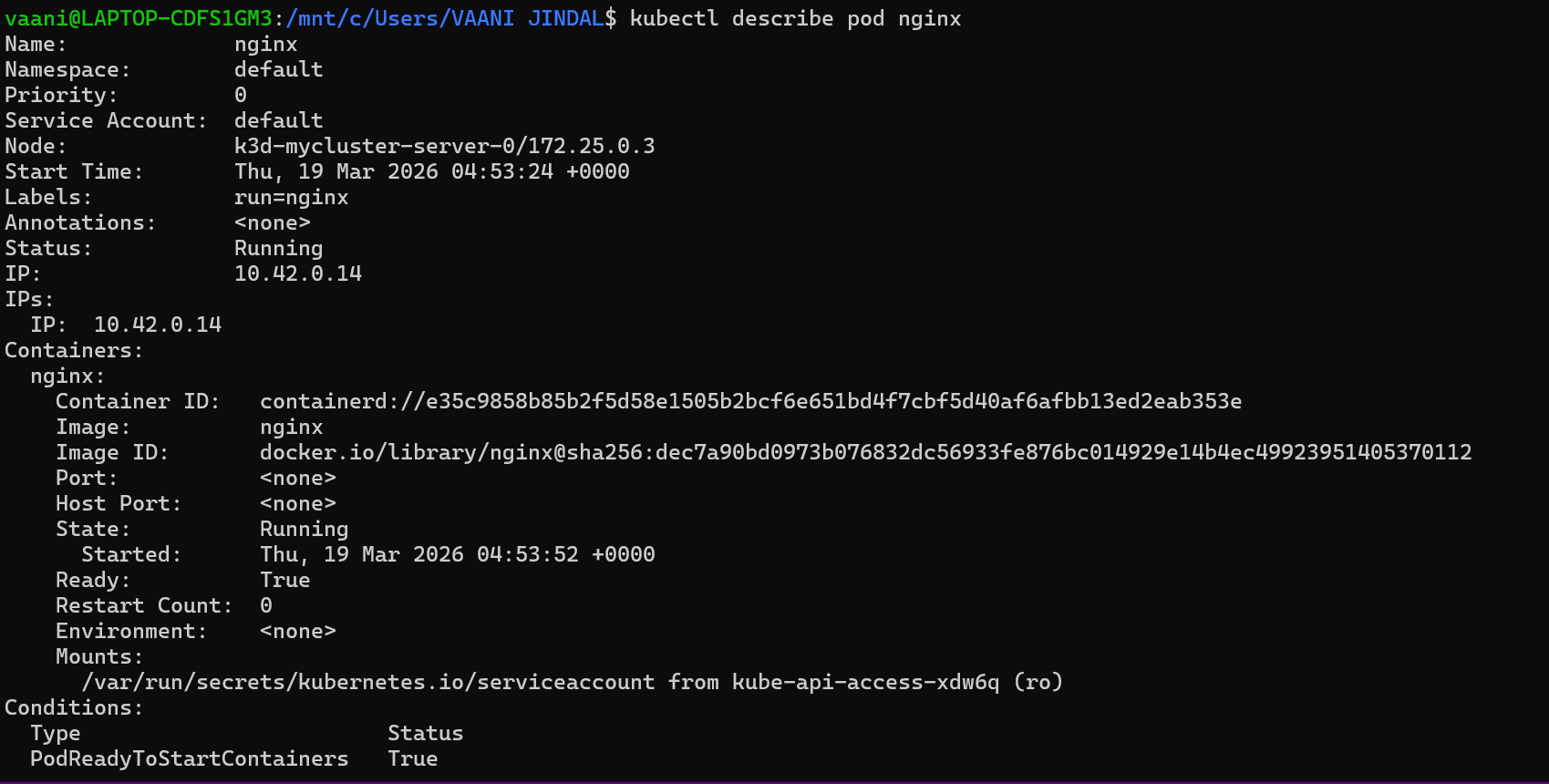
This shows creation of a pod running an Nginx container.
Step 3: Describe Pod
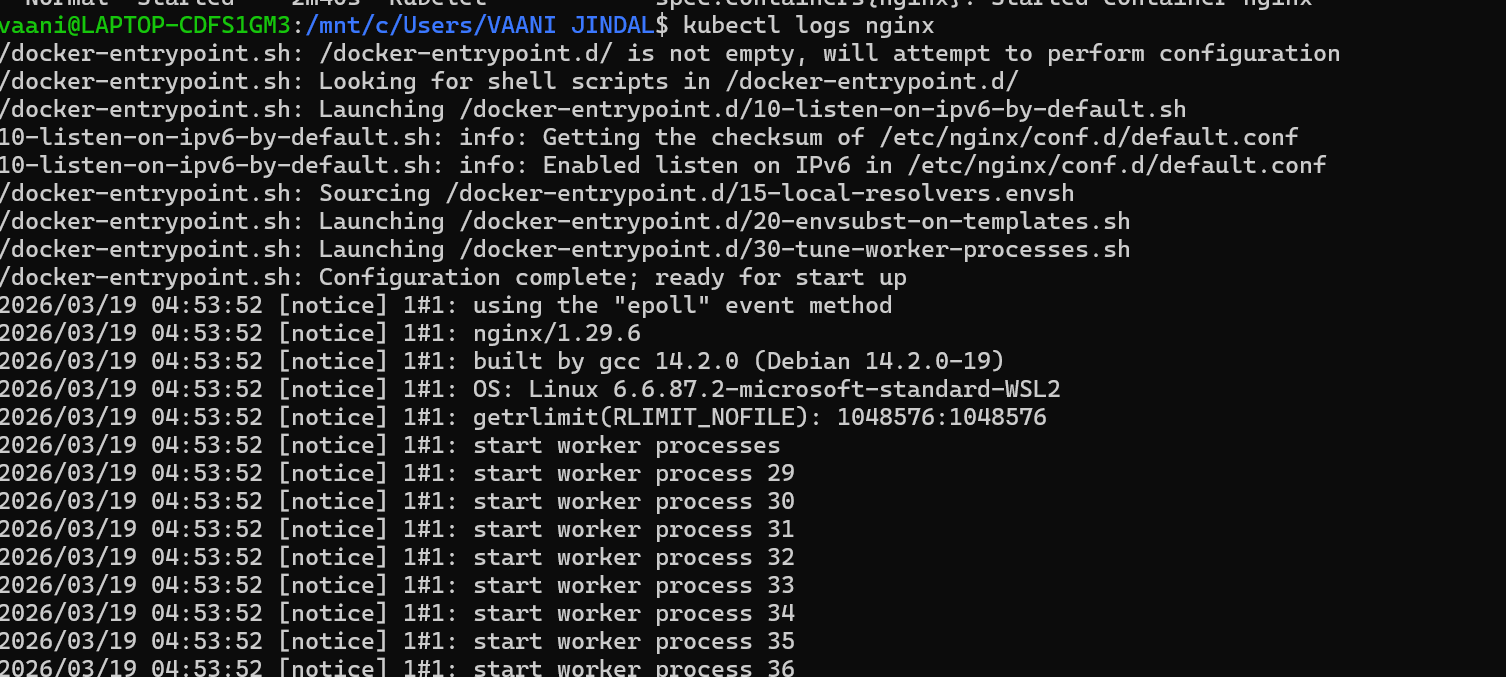
This shows detailed information about the created pod including status and events.
Step 4: Check Container Logs

This shows how to view logs of a running container inside the pod.
PART 3: Deployments & Scaling
Step 1: Create Deployment

This shows creation of a Kubernetes deployment for managing pods.
Step 2: Scale Application
This shows scaling the deployment to multiple replicas.
Useful Commands
```bash
View clusters
kubectl config get-clusters
View pods
kubectl get pods
Create nginx pod
kubectl run nginx-pod –image=nginx
Describe pod
kubectl describe pod nginx-pod
View logs
kubectl logs nginx-pod
Create deployment
kubectl create deployment my-deploy –image=nginx
Scale deployment
kubectl scale deployment my-deploy –replicas=3