C-D-theory
Containerization class (25 feb task)
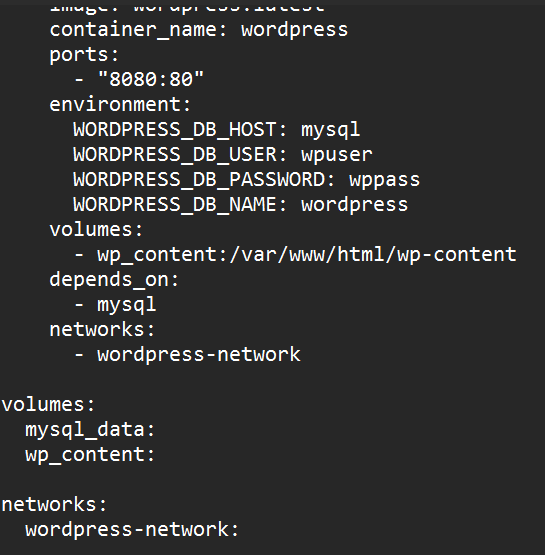
Docker compose yml
Step 1
Step 2
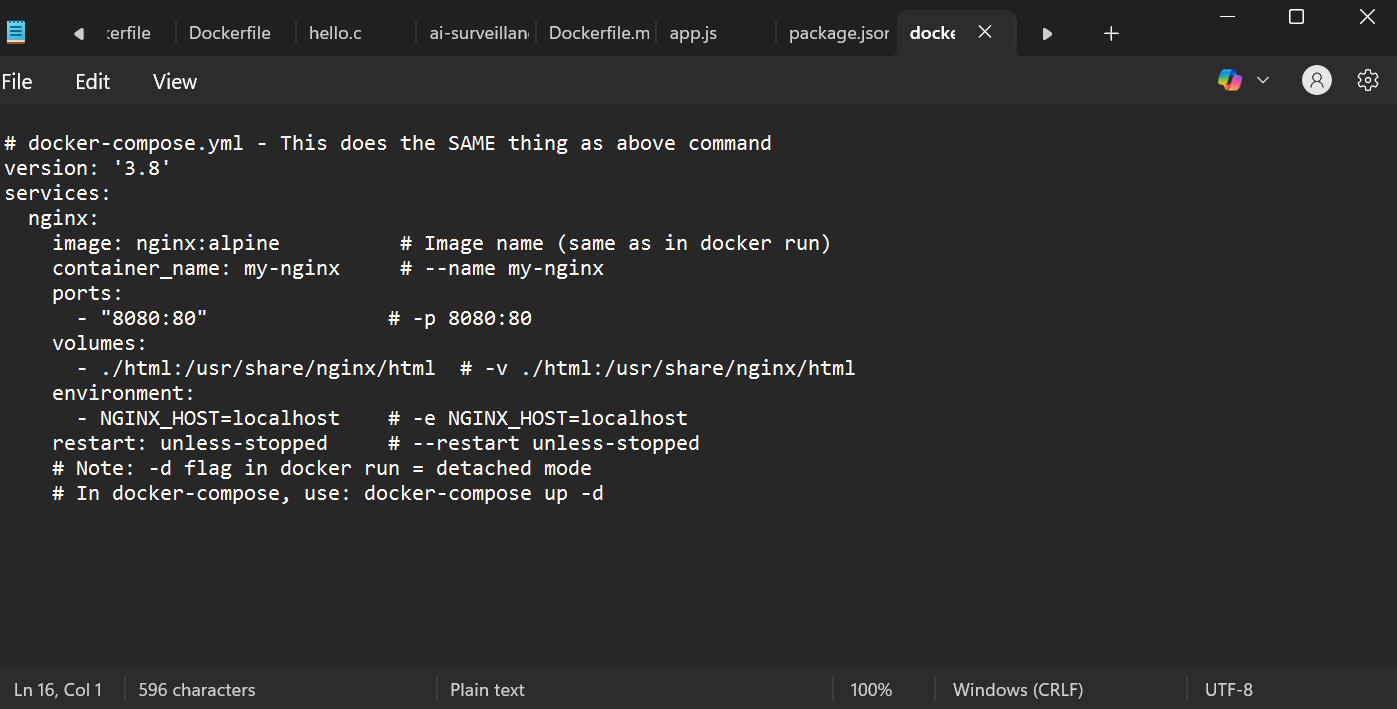
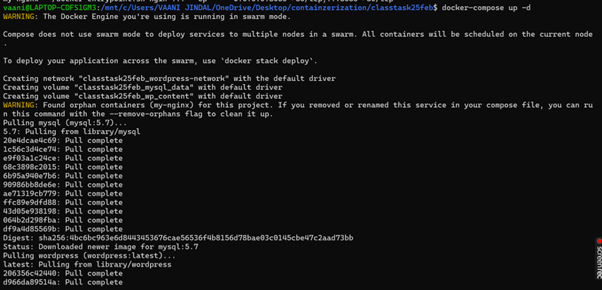
Step 3
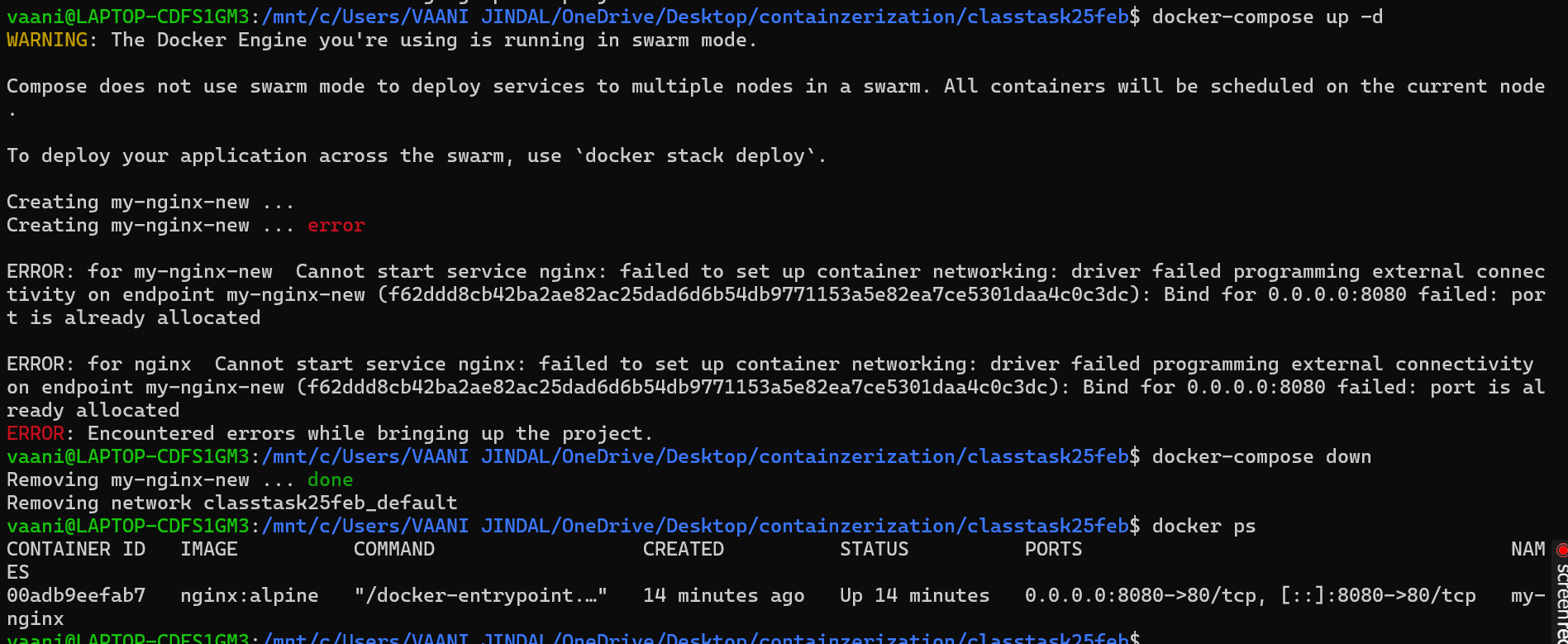
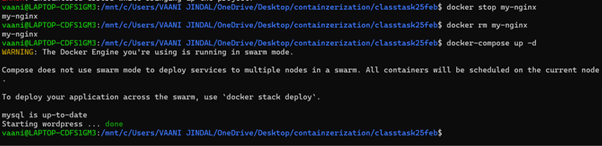
To solve the error above we first remive the old container using this port by the following commands

Now run the compose again

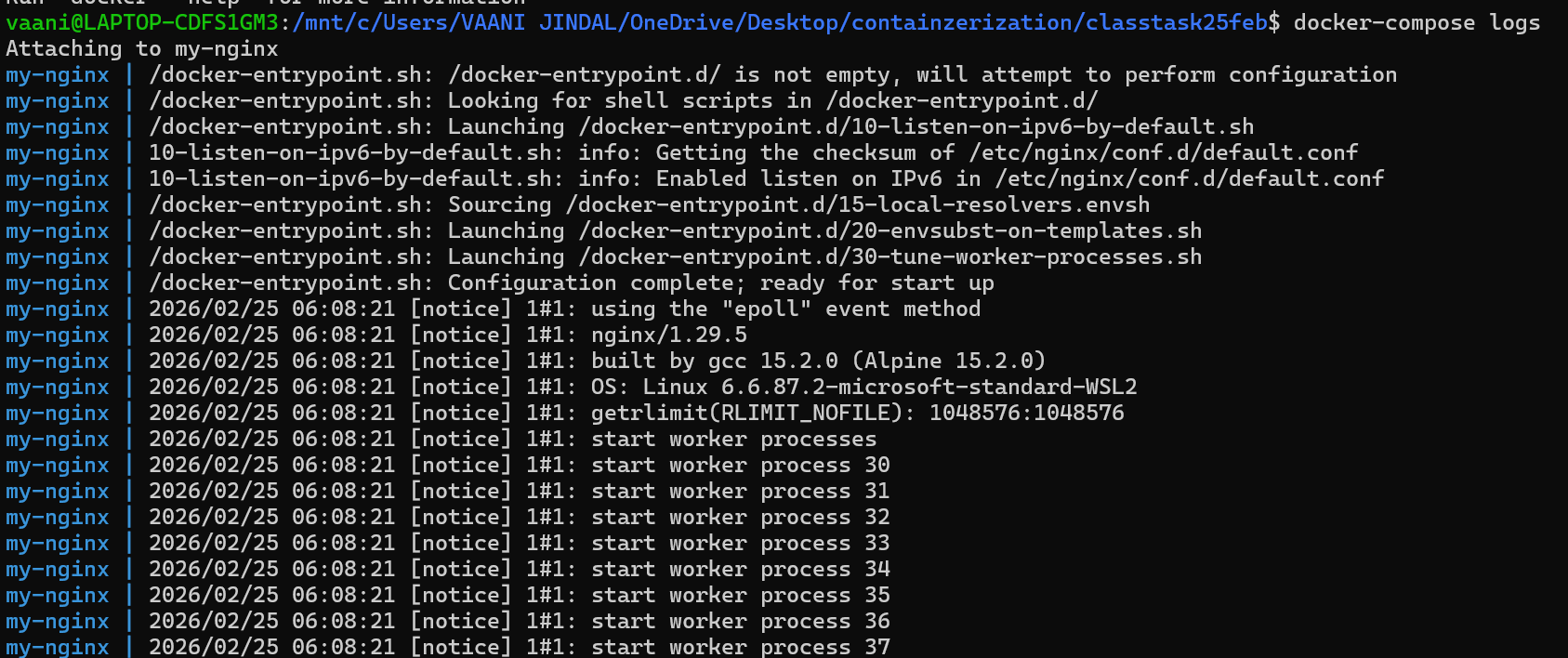
To observe the services which is not working can check through logs
Part 2:
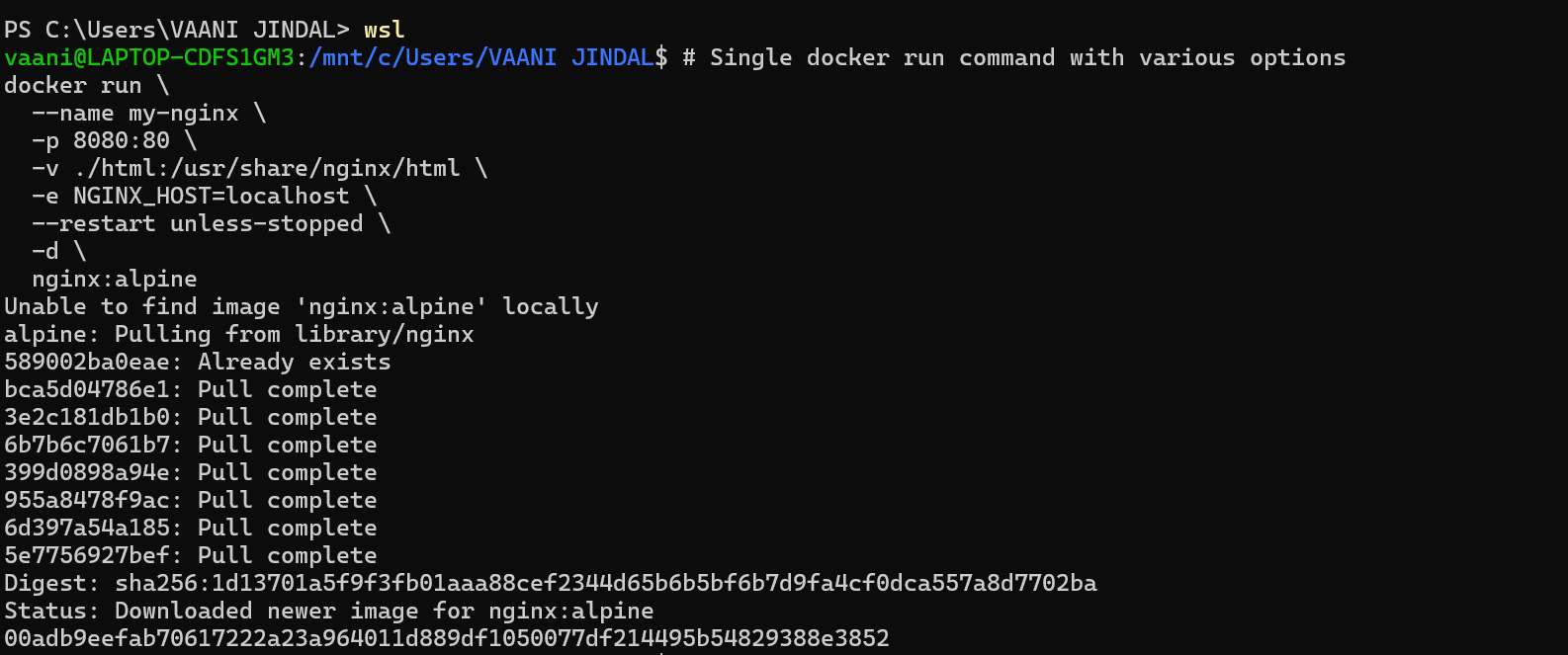
Step 1

Step 2
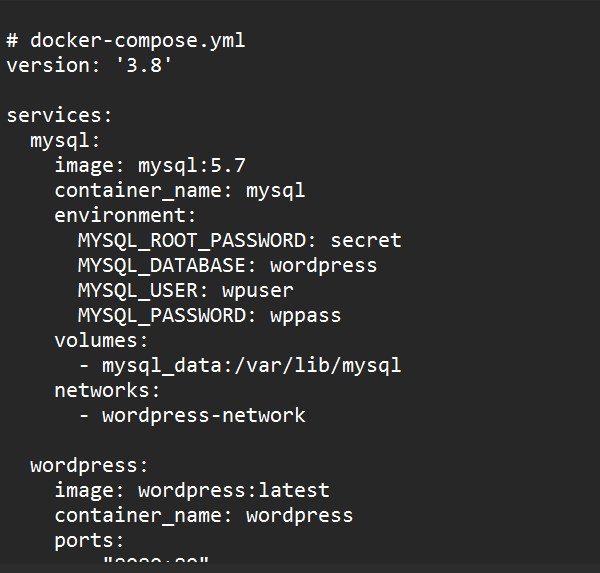
again port 8080 is in use so to start the word press we need to remove already in use container again and then compose run