C-D-theory
Containerization Class – 30 January
Task: Docker Hub Login and Authentication
Objective
To login into Docker Hub using authentication token and verify access.
Description
In this task, a Docker Hub account was used to generate an authentication token. This token was then used to login through the terminal.
The authentication process helps in pushing and pulling images securely.
Steps Performed
- Logged into Docker Hub website
- Generated access token
- Opened terminal in project folder
- Logged in using token
- Verified authentication status
Output Screenshots
Screenshot 1: Docker Hub Login Page

Screenshot 2: Token Generation
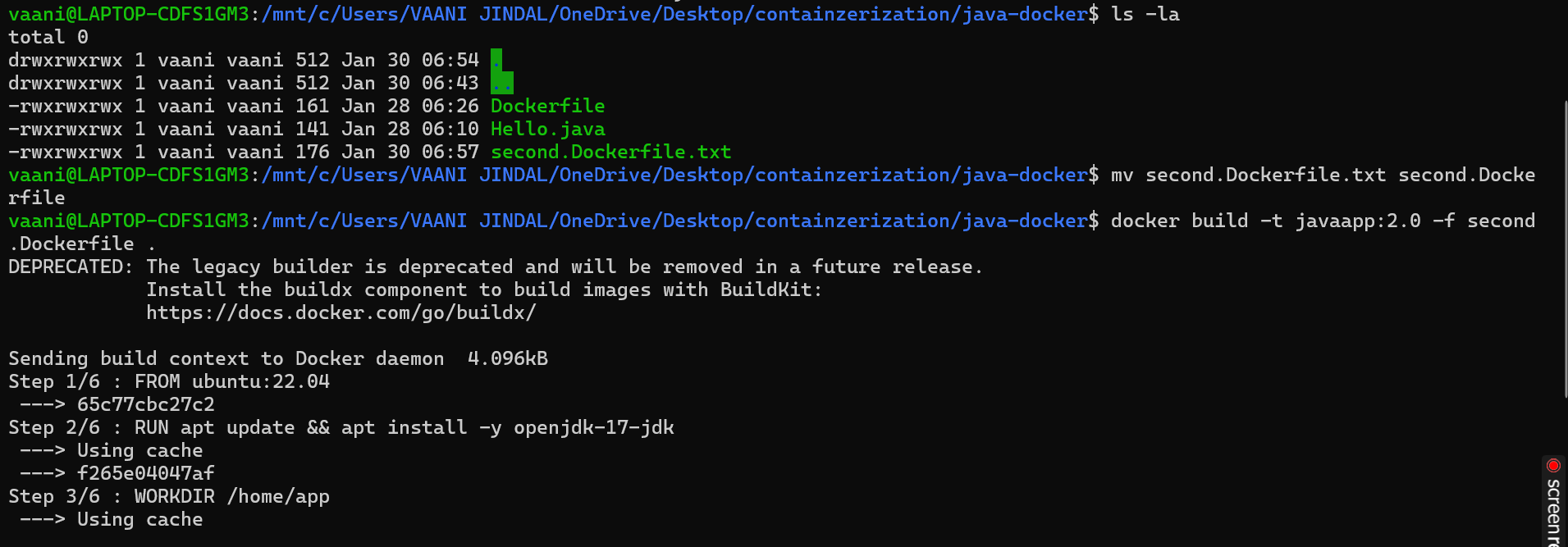
Screenshot 3: Copying Access Token
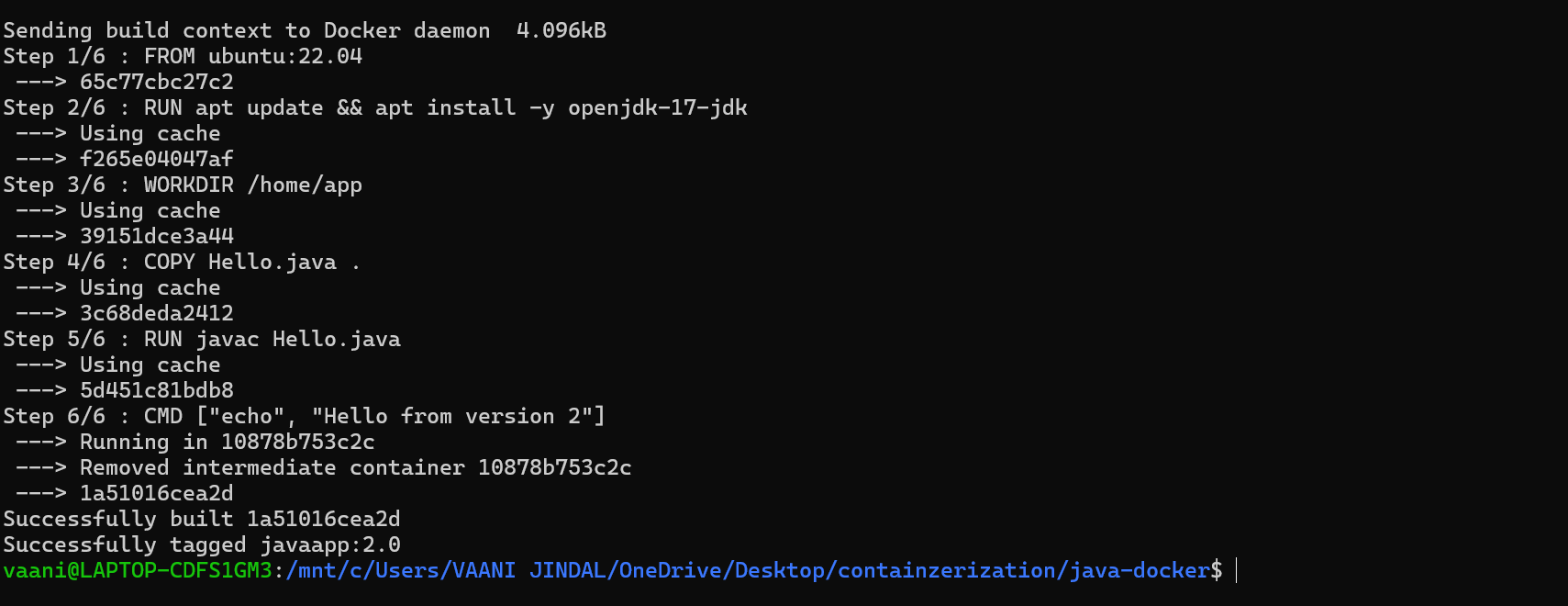
Screenshot 4: Terminal Login Command

Screenshot 5: Successful Authentication
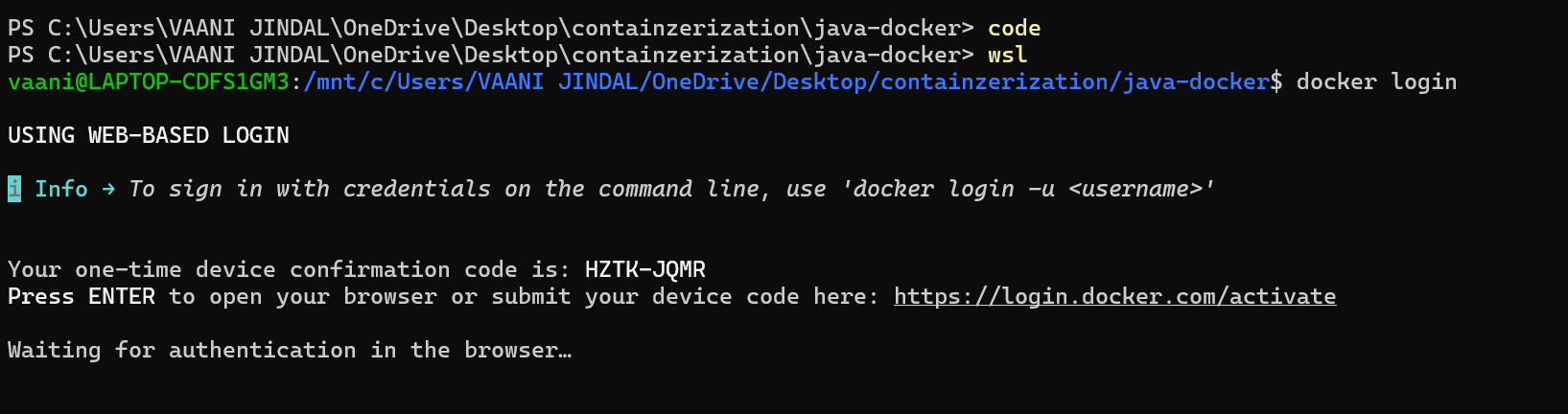
Screenshot 6: Verifying Docker Access

Screenshot 7: Pulling Image After Login

Screenshot 8: Final Verification

Observation
- Docker Hub authentication was successful.
- Token-based login worked correctly.
- Docker commands worked after login.
- Images could be pulled without errors.
Conclusion
Docker Hub login using access token was completed successfully.
This experiment helped in understanding secure authentication and image management.