C-D-theory
Containerization Class – 5 February
Task: Running Java Application Using Docker
Objective
To create a Docker image for a Java application and execute it using Docker commands.
Description
In this experiment, a Java program was containerized using Docker. A Dockerfile was created to automate the build and execution process. The image was built and run using different Docker commands, including interactive mode for debugging.
Output Screenshots
Screenshot 1: Project Directory Structure
Shows the Java source file and Dockerfile present in the project directory.

Screenshot 2: Java Source Code
Displays the Java program used for containerization.

Screenshot 3: Dockerfile Creation
Shows the Dockerfile written to build the Java application image.
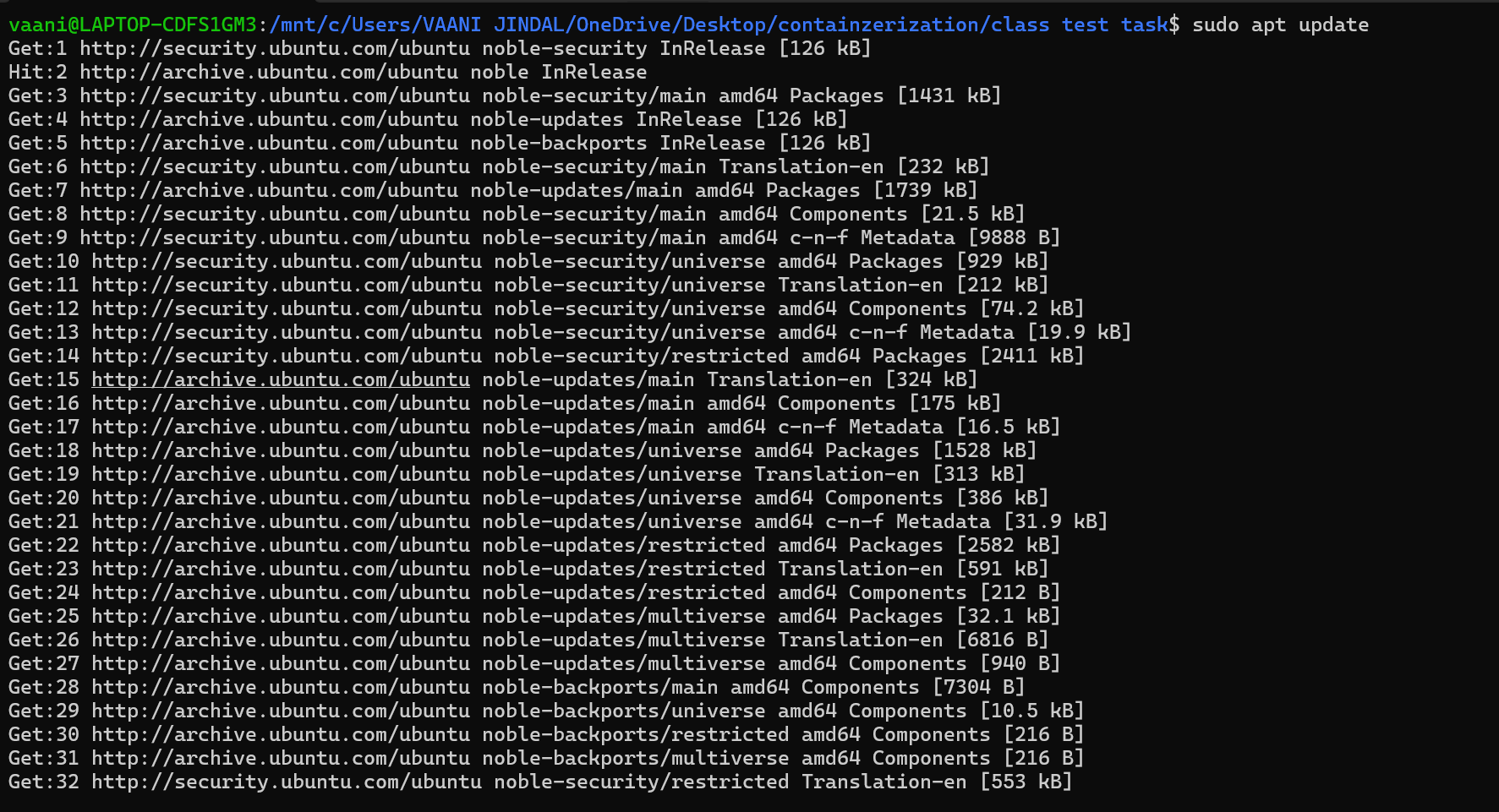
Screenshot 4: Docker Image Build
Displays the process of building the Docker image using the Dockerfile.

Screenshot 5: Running Docker Container
Shows execution of the Docker container and program output.
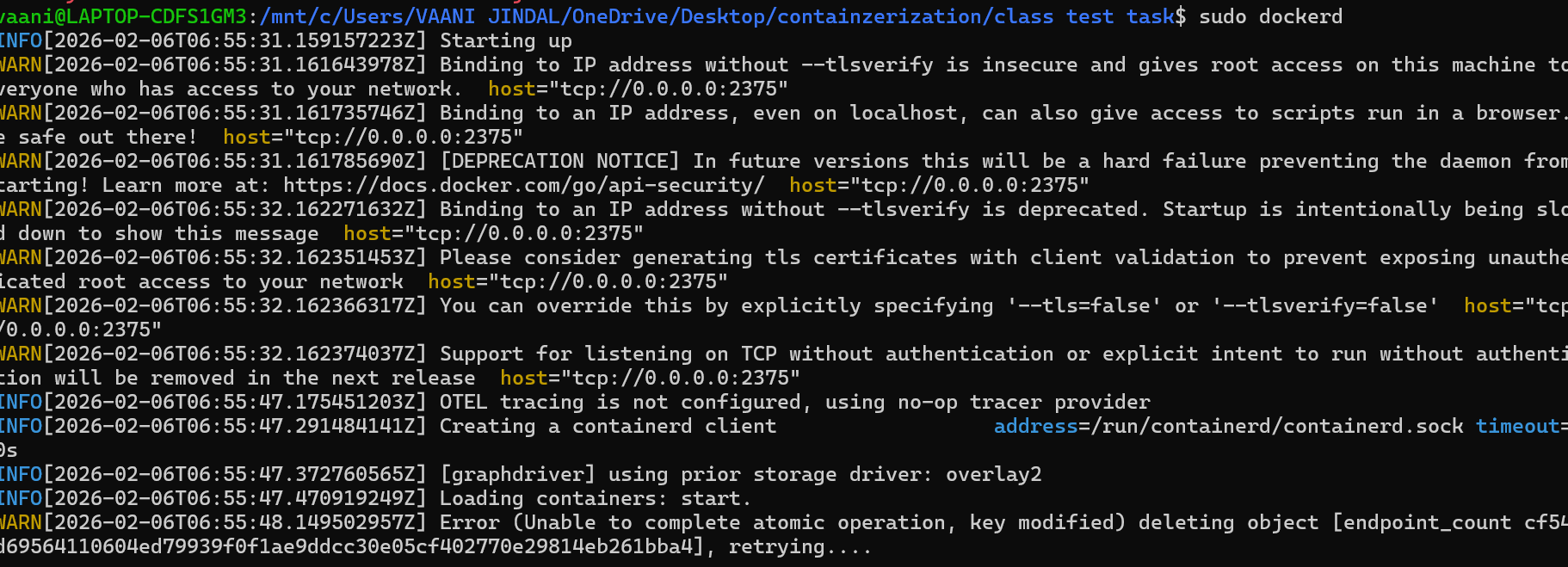
Screenshot 6: Interactive Mode Execution
Shows running the container in interactive mode using -it.
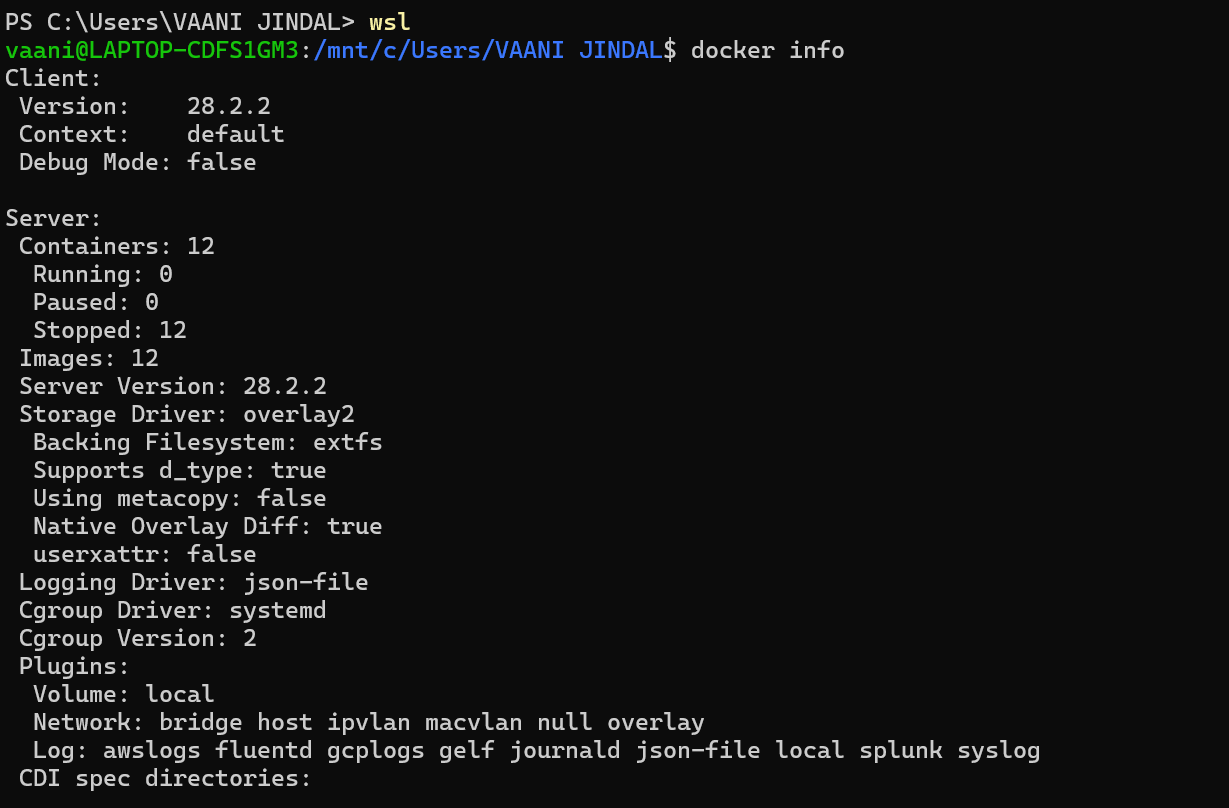
Screenshot 7: Container Shell Access
Displays access to the container shell for verification.
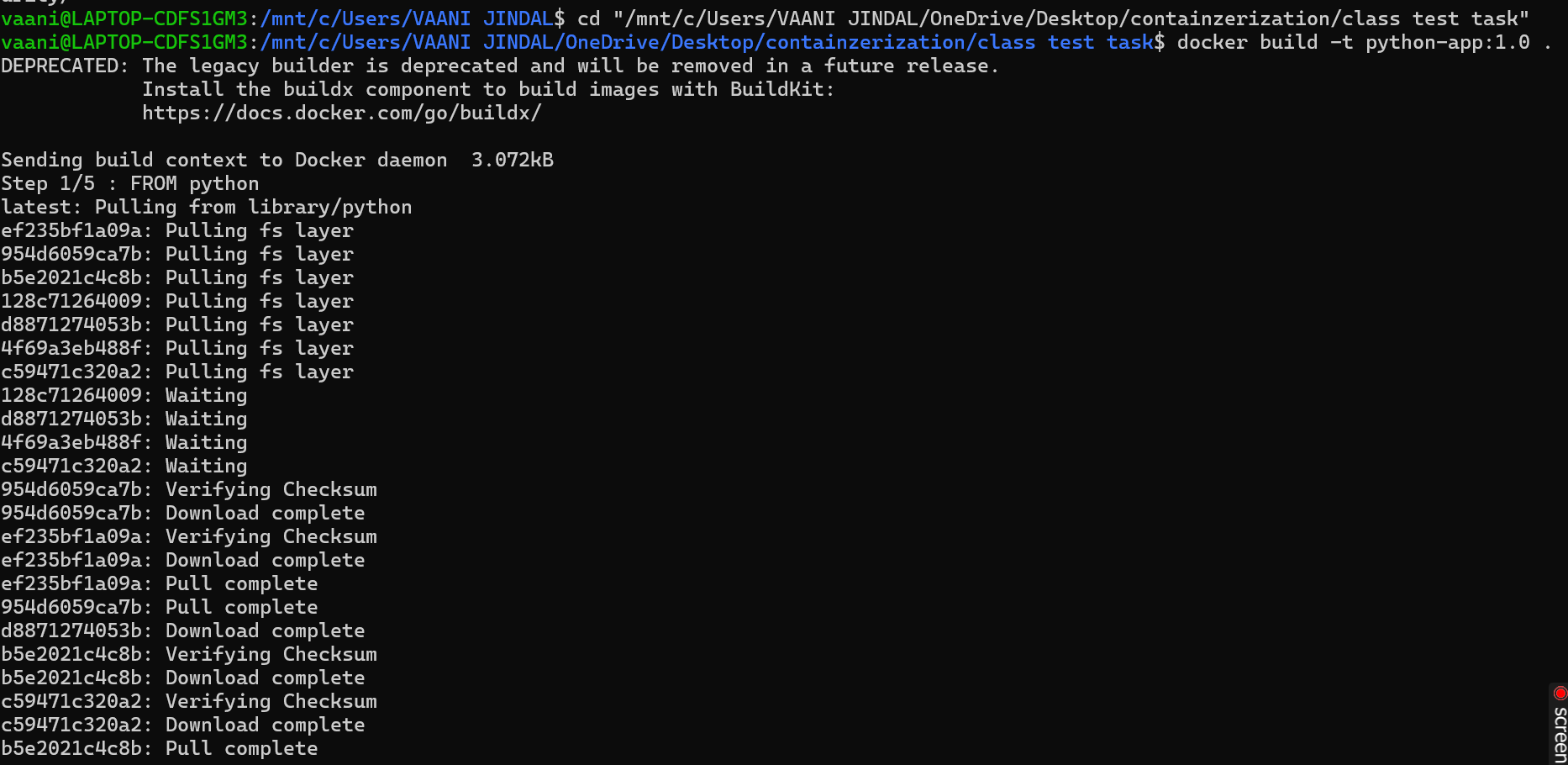
Screenshot 8: Program Output Verification
Shows successful output generated by the Java application.

Screenshot 9: Successful Execution
Confirms the successful execution of the Java Docker container.

Observation
- Java application was successfully containerized.
- Docker image was built without errors.
- Application executed correctly in both normal and interactive modes.
- Container shell access helped verify the runtime environment.
Conclusion
The Java application was successfully deployed using Docker.
This experiment helped in understanding how Docker can be used to containerize and run Java-based applications efficiently.